A football match with a mind of its own
Ragdoll Soccer Arena is an original browser football game built around a loose-limbed player, a rolling ball and two goals. Move into position, jump for a high ball and time a kick before your opponent reaches it. Your player's connected limbs swing with the action, so a hurried lunge can turn a clear shot into an awkward tumble. Recover your balance and try the next touch.
Play Ragdoll Soccer against the computer for a quick solo match, or choose local two-player mode to face a friend on the same keyboard. A match lasts 90 seconds. The side with more goals when the timer ends wins. A level score sends the match into golden goal, where the next goal decides the result. Each new match begins with a fresh score and a new kickoff.
How to play Ragdoll Soccer
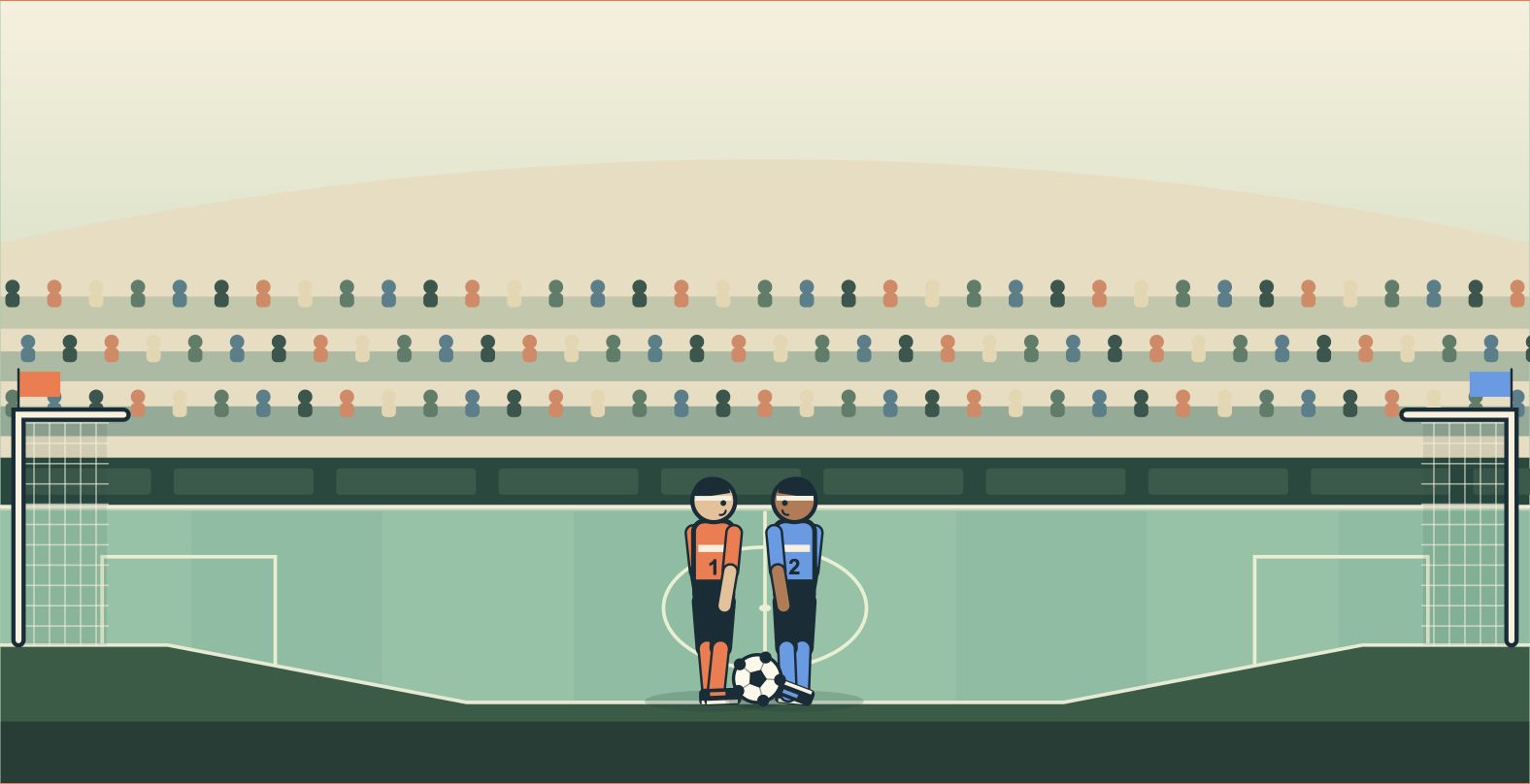
The orange player attacks the goal on the right. The blue player attacks the goal on the left. A goal counts when the ball crosses into the opposing goal mouth. After a goal, the players and ball return to their starting positions. Use that moment to reset your plan for the next kickoff.
On a keyboard, player one uses A and D to move, W to jump and F to kick. Release W and press it again in the air for a second jump. In local two-player Ragdoll Soccer, player two uses the left and right arrow keys to move, the up arrow to jump and L to kick. Release and press the up arrow again for blue's second jump. Keep the game focused while playing so the keys control the match. Click inside the pitch if another part of the page has keyboard focus.
For a mobile Ragdoll Soccer match, choose the computer opponent and use the on-screen movement, jump and kick buttons. Hold a direction while tapping another action to combine movement with a shot. Release and tap JUMP again while airborne to double-jump. Landscape orientation gives the pitch more horizontal space. The fullscreen button beside the game offers more room on browsers that support it.
Play the computer
Solo mode gives you a computer-controlled blue opponent. Choose Easy, Normal or Hard before pressing Play solo. Normal is selected for your first match. Restart keeps the current difficulty. Use Pause, then Choose match to change it. Start by learning the distance your player covers with a short movement. Let the ball come within reach before kicking. The computer can intercept a weak clearance, so watch where both players are before committing to the ball. The goal is to score more often than you concede over the whole match.
Ragdoll Soccer 2 Players
Choose the two-player option in the game menu to give the blue player to a friend. Both players use the same keyboard and see the same pitch. Agree on who uses each set of controls before kickoff. Local two-player Ragdoll Soccer works well for quick rematches because every match has the same time limit and begins at zero.
Make the next touch count
In Ragdoll Soccer, the position of the ball matters as much as the strength of your next action. Approach from behind it when you want to send it towards the other goal. Bring your kicking foot to the ball before striking. Orange kicks towards the right goal and blue towards the left, including when backing away. Running past the ball leaves your own goal exposed. A small adjustment can set up a cleaner kick than holding a movement key all the way across the pitch.
Use jumping to meet a rising ball or recover space around an opponent. Save the second jump to change your height after takeoff, and use left or right to adjust your approach in the air. Landing on the pitch restores your jumps. The sloped edges of the pitch can lift a rolling ball, so watch its bounce before chasing towards a goal. These controls apply to this site's Ragdoll Soccer Arena game; other games sharing the name can use different rules.
Defending is about returning between the ball and your goal. After an attack breaks down, turn back before chasing another shot. The same rule helps in two-player Ragdoll Soccer: a spectacular lunge is useful only if it leaves you in a position to recover. Watch how the ball rebounds from a player or the pitch and adjust your next approach.
A small game built for a quick break
The Ragdoll Soccer game loads after you press the play button. The cover, loading state and match occupy the same area of the page. You can pause during a match, resume when ready and start a rematch from the game controls. Switching away from the game pauses the action so the timer can wait for your return.
Ragdoll Soccer Arena runs in the browser with keyboard and on-screen touch controls. The game uses its own code, pitch and player artwork. Your current match is temporary. Reloading the game or closing its page starts a fresh session. Sound can be switched on or off from the game controls, and the match remains playable with sound off.
Which Ragdoll Soccer version is this?
This page hosts Ragdoll Soccer Arena, our independently developed browser game. Its modes are a solo match against the computer and local two-player football on one device. The Roblox experience named Ragdoll Soccer is published by Ragdoll Athletics on Roblox and has its own account, multiplayer modes and progression. Players seeking that experience can find its official Roblox page.
Use the questions below for this Ragdoll Soccer game's controls, devices and match rules. For a problem during play, send a message through the feedback form with your browser, device and the action that caused it. A clear description helps us reproduce the issue and improve the next match.
Have a tip? Start the conversation.